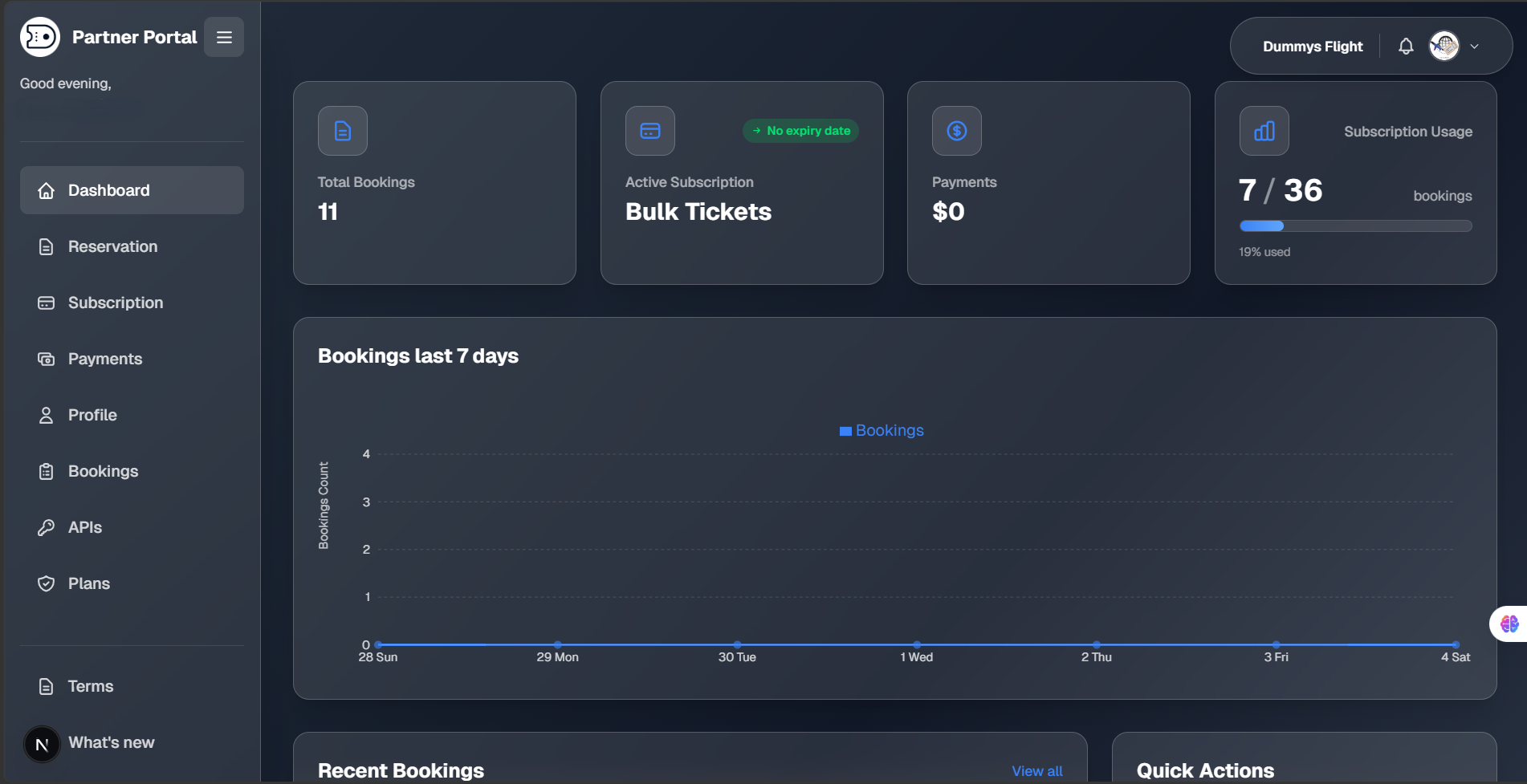
How to Join the Partner Program
From application to your first client reservation — follow these steps to onboard your agency on DummysFlight.
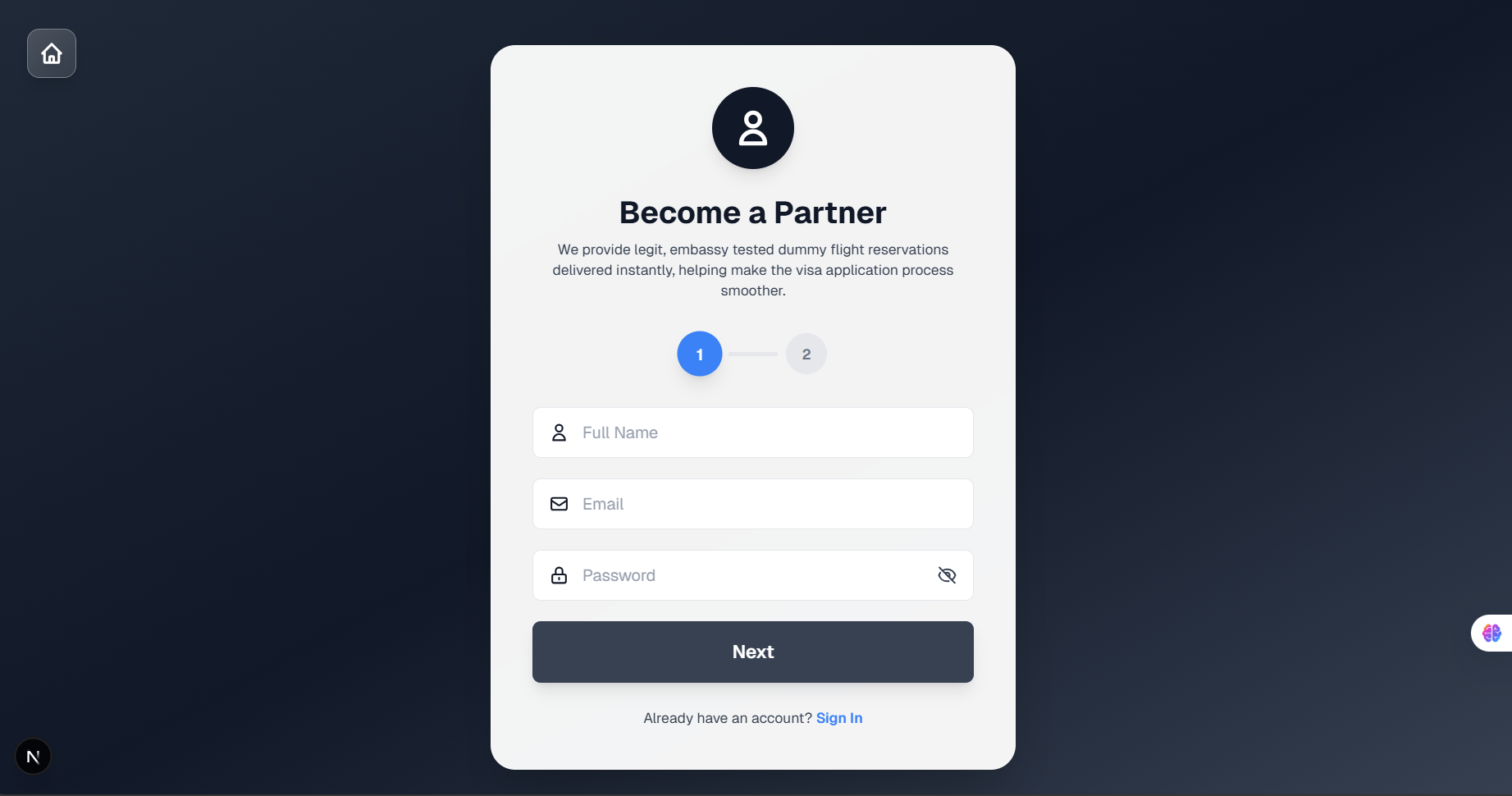
Create Your Agency Account
Enter your full name, business email, and a secure password to start your partner application.
Use your agency email address to receive your verification code and activate your account instantly.
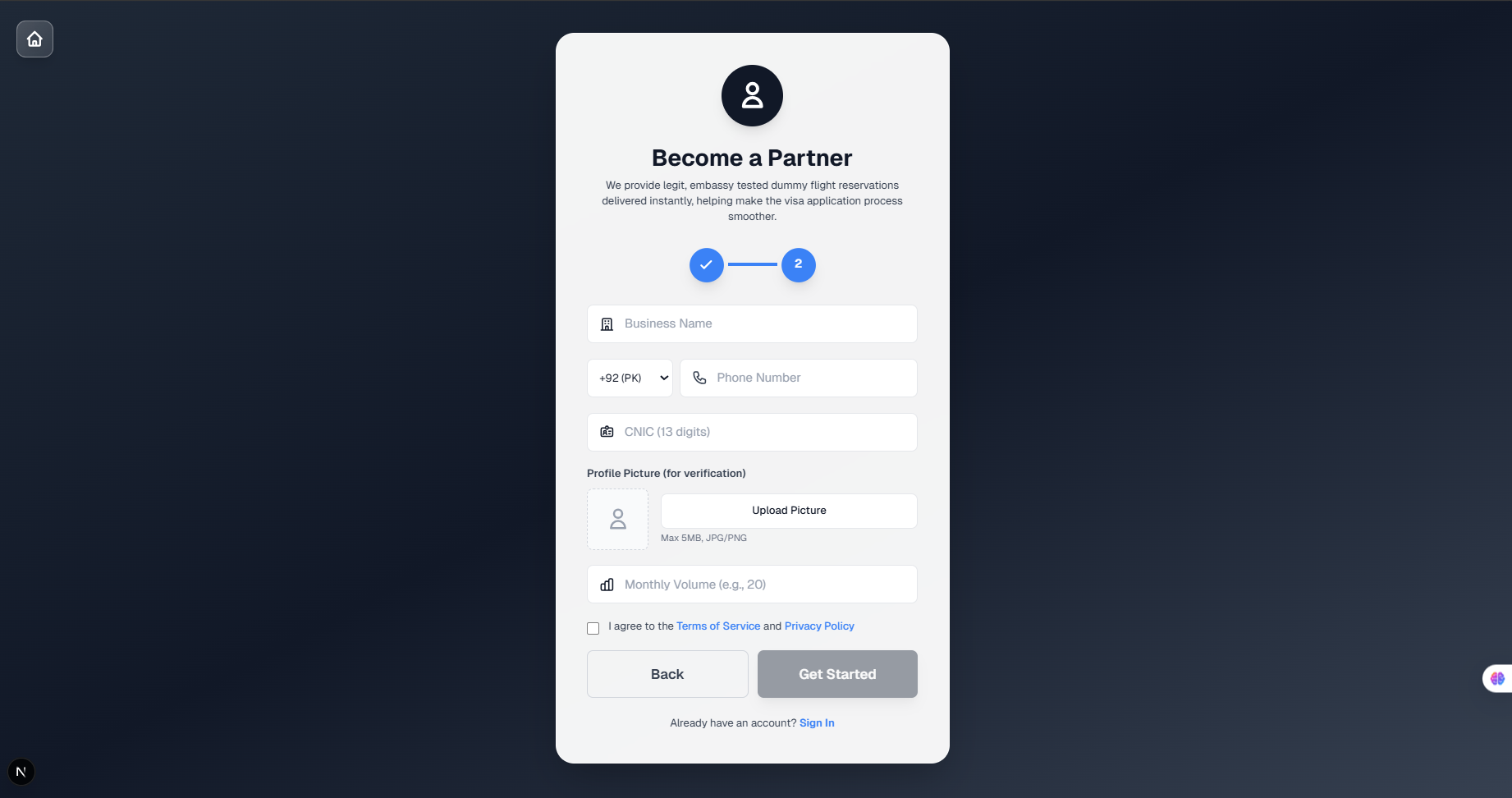
Complete Your Agency Profile
Provide your business name, ID number, phone number, and estimated monthly reservation volume — how many client dummy tickets you expect to generate per month.
This helps us recommend the right plan — Flexi Pass, Smart Pack, or Pro Traveler — from day one.
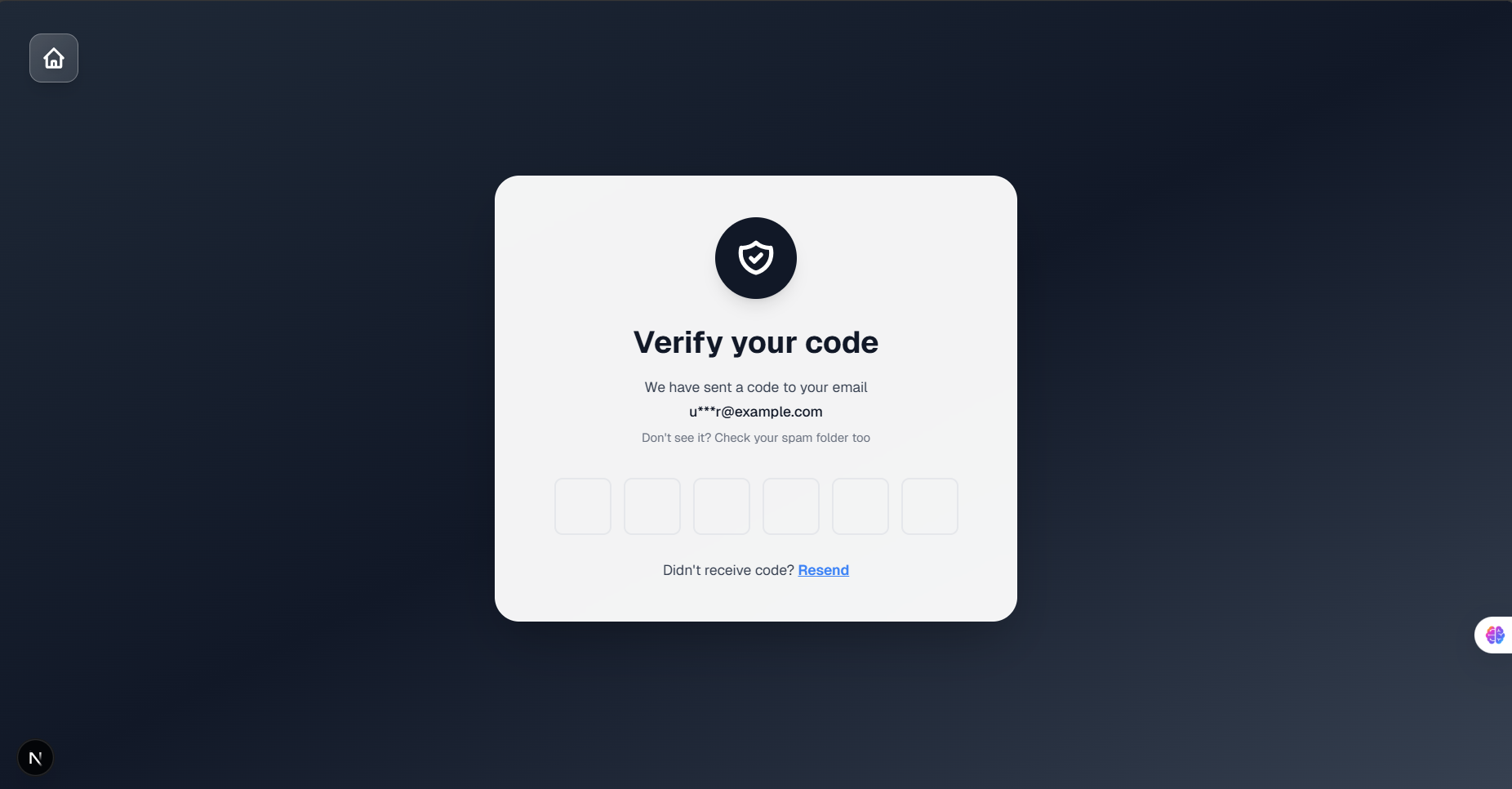
Verify Your Email
Check your inbox for a verification code sent immediately after registration. Also check your spam folder if you don't see it within a few minutes.
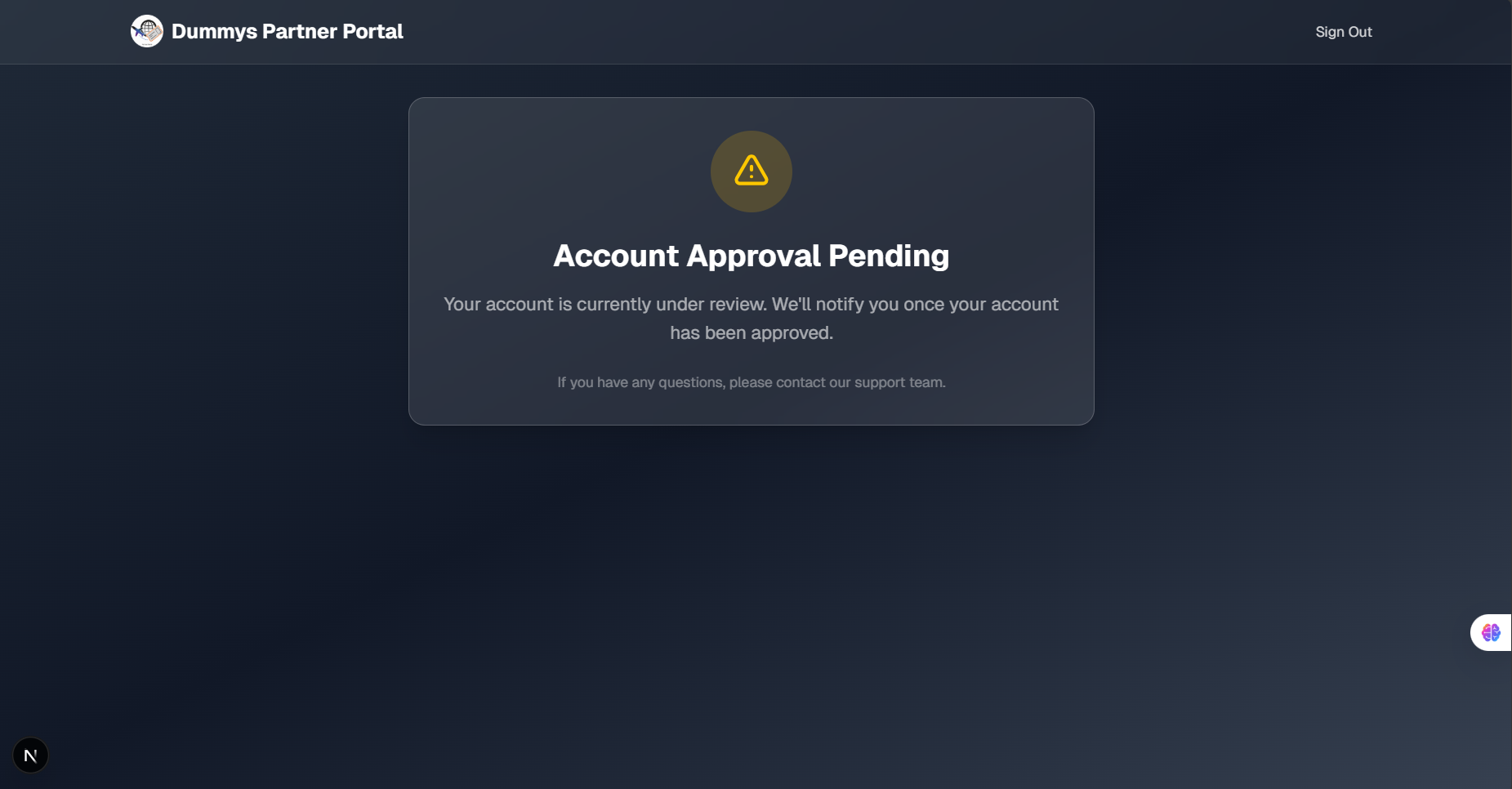
Automatic Account Activation
Once you verify your email, your partner account is approved automatically — no manual review, no waiting. You're redirected to your dashboard where you can select a subscription plan and start generating reservations immediately.
Choose Flexi Pass, Smart Pack, or Pro Traveler based on your agency volume and begin serving clients right away.
Generate Your First Client Reservation
Enter your client's passenger details, route, and travel dates. Download the embassy-ready PDF in under 5 minutes — one-way, return, or multi-city.
Need a single ticket for personal use? Visit DummysFlight.com instead.